Realtime dashboard
Total devices, online, offline, alerts and low battery at a glance, then every point with its reading, set point, battery, signal and a traffic-light alert state.
Callisto · Monitoring & alerts
Fixed sensors read every monitoring point around the clock. The realtime dashboard shows each reading, set point and device health, and an out-of-range reading becomes an alert that climbs level by level until someone acts.
What it does
Monitoring points, profiles and escalation are set up once per site. From then on the sensors do the watching and Callisto decides who needs to know.
Total devices, online, offline, alerts and low battery at a glance, then every point with its reading, set point, battery, signal and a traffic-light alert state.
Graphs from 6 hours to 30 days with tolerance lines, plus minimum, maximum, average and mean kinetic temperature.
Reusable profiles for temperature, humidity and water tanks: amber and red upper and lower limits, with raise and clear delays to stop false alarms.
Each level fires after a set number of minutes and reaches its own people, with a corrective-action worksheet and proof at every level.
A sensor or gateway that stops reporting raises its own offline alert, and low batteries are counted on the dashboard.
Build dashboards from widgets, heat-maps, floor plans and maps, share them with your team and save them as templates for the next site.
Alerts that escalate
Thresholds, delays and escalation levels are set per monitoring point. Every level asks for a corrective action, so the record shows what happened and who fixed it.
Example escalation · levels, people and timings are configured for each site
Inside Monitoring & alerts
The screens and features, named as they appear in Callisto.
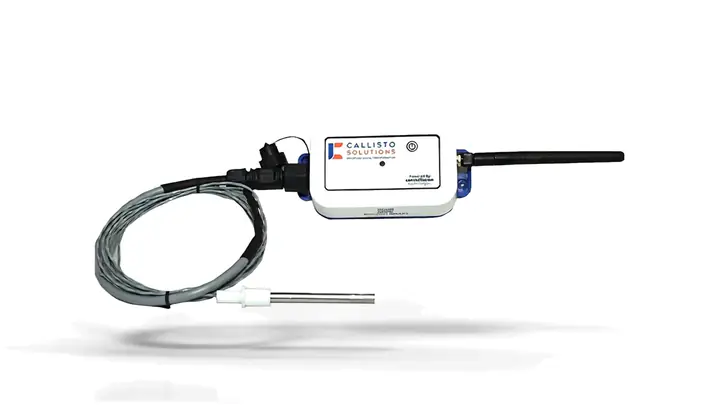
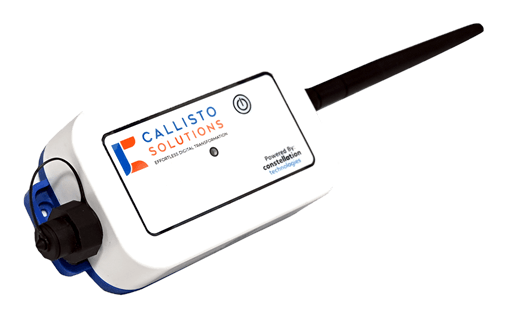
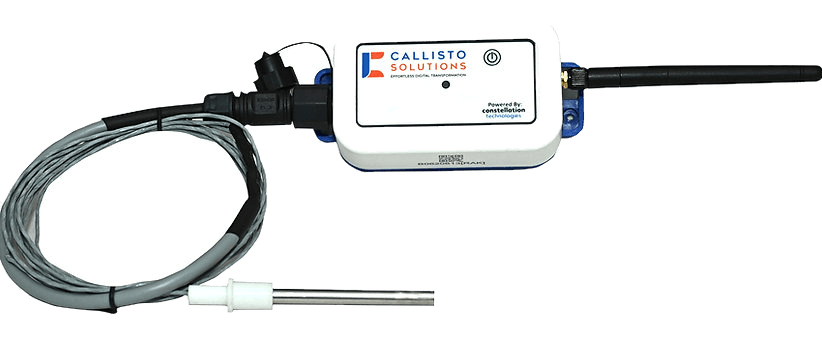
Hardware
Sensors and probes are designed by our own engineers, and every device here feeds Callisto.
Questions
Temperature, from the sensor itself or from RTD and K-type probes. Depending on the device and its probes, humidity, light, door status and tank level can be measured as well.
Fixed sensors keep their readings in their own memory while the network is down and send them once the connection is back.
Every profile has a raise delay and a clear delay. A reading has to stay out of range for the raise delay before an alert is raised, and back in range for the clear delay before it clears.
You choose the people for each escalation level. Alerts go by SMS, email, push notification, Microsoft Teams and TV wallboard pop-ups, which can be read aloud.
Yes. Alerts can be paused and resumed from the dashboard.
Book a demo
See Monitoring & alerts in Callisto with your own sites, checks and paperwork. We will show you how it fits.