Allergen worksheets
Static and dynamic allergen worksheets, with a peer or reviewer check and a notification when the recorded allergens do not match.
Callisto · Allergens & labels
Allergen worksheets with a second person’s check and an AI second look, live traceability for every dish, a food recall workflow, and labels printed straight from the record.
What it does
The allergens on the menu, the worksheet, the label and the servery all come from the same record.
Static and dynamic allergen worksheets, with a peer or reviewer check and a notification when the recorded allergens do not match.
AI checks the worksheet entries for allergens a person may have missed and suggests them for the team to confirm.
Each dish’s record: the chef’s and reviewer’s allergen check, cooking, reheat and QC temperatures, cooldown stages and hot holding.
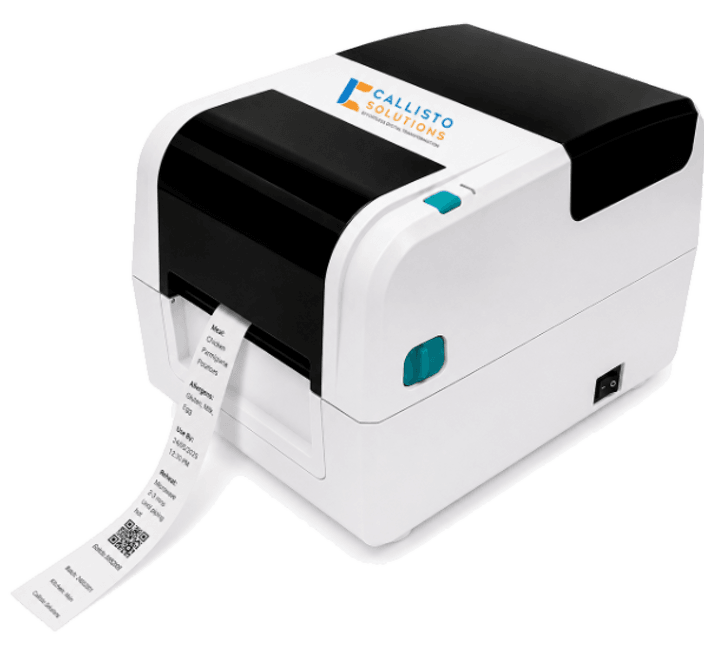
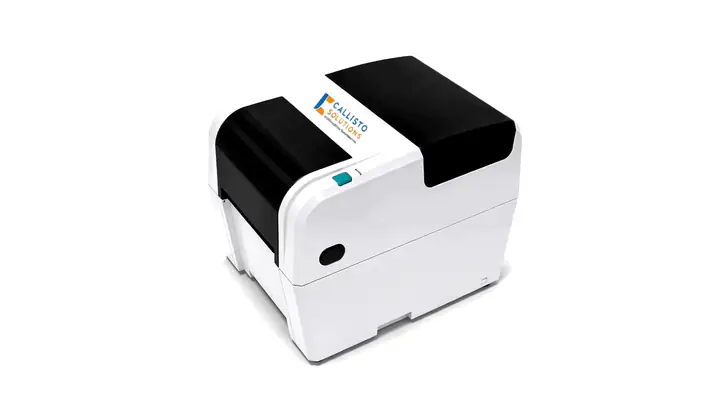
Thermal labels from templates with use-by dates and allergens, printed over Bluetooth from the tablet app, with a print history.
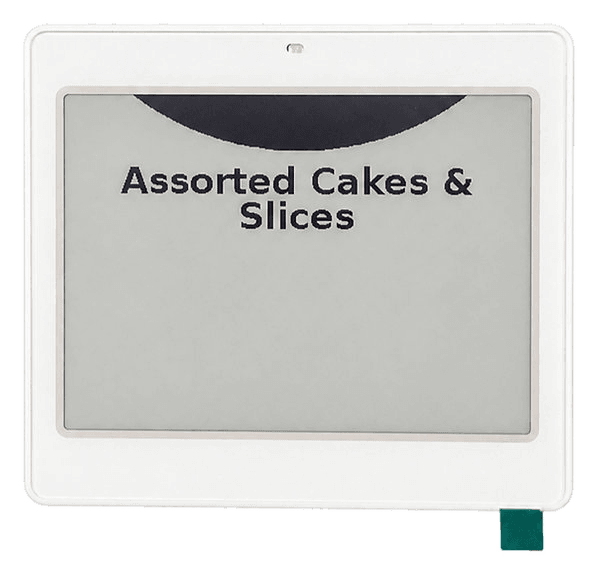
Dish name, service time, allergens and meal type pushed to Bluetooth e-paper labels at the servery.
A recall workflow with product, SKU and origin details, purchase-order history and a passcode-protected survey for sites to answer.
Label printing
Templates for production, resident meals, defrosting and packed food, filled in from the menu or by hand, and printed over Bluetooth from the tablet app.
Production
Dish, prepared and use-by times, batch and allergens.
Resident meal
Wing and room, service and the resident’s allergens.
Defrost
When defrosting started, when it is ready and its use-by.
Package ready
Packed and use-by dates, with a code to scan.
Illustrative labels · sample data
Inside Allergens & labels
The screens and features, named as they appear in Callisto.
Hardware
The printing and labelling hardware that Callisto sends its labels to.
Questions
From the menu. Menu cycles can be uploaded in bulk from Excel, with validation, or planned in FoodIQ and published straight into Callisto.
No. It suggests allergens a person may have missed. People check the worksheet and confirm.
A Bluetooth thermal label printer. Labels are printed from the tablet app, from templates, and every print is kept in the label history.
The dish name, service time, allergens and meal type, pushed from Callisto to Bluetooth e-paper labels.
Yes. The food recall workflow records the product, SKU and origin, takes your purchase-order history, and sends sites a passcode-protected survey to answer.
Book a demo
See Allergens & labels in Callisto with your own sites, checks and paperwork. We will show you how it fits.