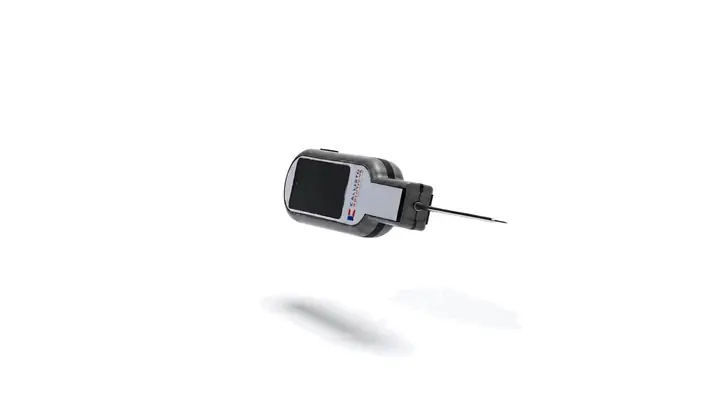
Web portal
Dashboards, set-up, reports and administration in the browser, branded with your organisation’s logo and colours.
Callisto · Apps & wallboards
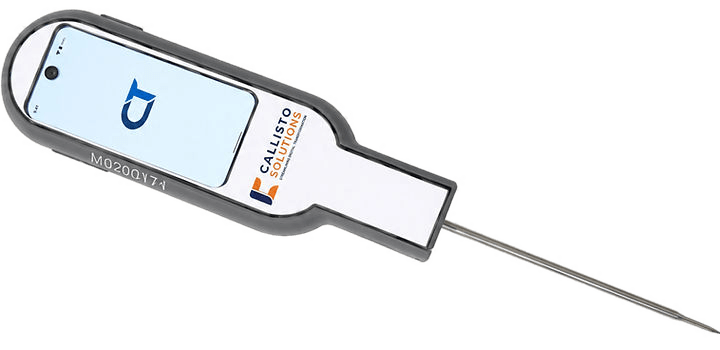
Callisto runs on the web, on Android and iOS tablets, on handhelds with CT’s own temperature probe and on kitchen TVs that read alerts aloud, with training courses and a help centre for the team.
What it does
One set of records, shown to each person on the screen that suits the job.
Dashboards, set-up, reports and administration in the browser, branded with your organisation’s logo and colours.
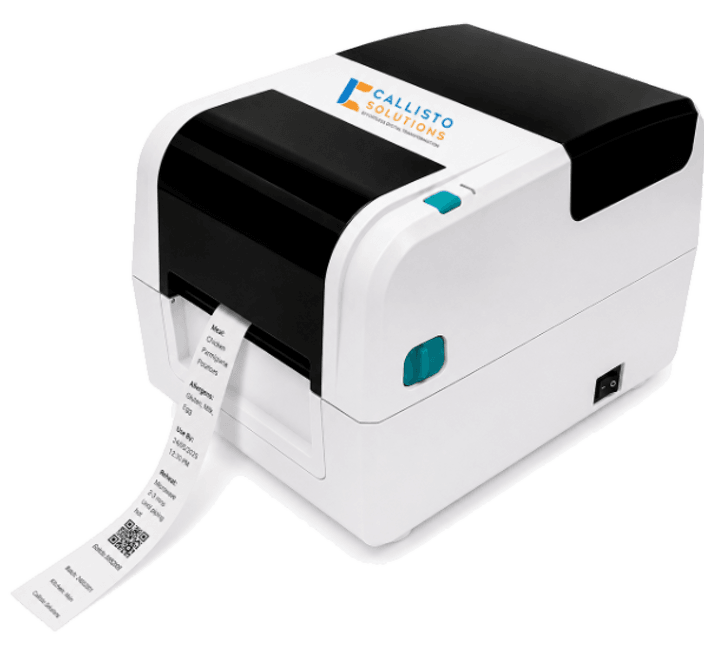
Scheduled, Forms, Review and Submissions tabs for the day’s checks, plus label printing, e-ink labels and meal ordering. Android and iOS.
An Android edition that downloads each site’s data, keeps working with no signal and syncs records in order when it is back.
Sign in with the probe, pick yourself from the staff list, probe the dish and read a large dial, with calibration and cooldown timers built in.
Rotating dashboards for alerts, compliance, cooldowns, floor plans, menus and schedules, with alerts read aloud.
Training courses with videos, quizzes and certificates, and a help centre with an AI assistant that answers from its own articles.
Offline-first
For remote sites and patchy Wi-Fi, the offline-first apps keep checks running and catch up when the connection is back.
At sign-in, the offline-first app downloads the site’s data: monitoring points, menus, schedules and forms.
Checks are saved on the device while there is no signal; photos wait to be uploaded.
When the connection returns, records are sent in order and only cleared from the device once the platform confirms them.
Inside Apps & wallboards
The screens and features, named as they appear in Callisto.
Hardware
Sensors and probes are designed by our own engineers, and every device here feeds Callisto.
Questions
A web browser for the portal, Android and iOS tablets and phones, Android handhelds with CT’s temperature probe, and TVs for the wallboard, including an Android TV app.
Yes. The offline-first edition of the Android app downloads each site’s data and keeps working with no signal, and handheld checks wait in an outbox until the handheld is back online.
Connect the TV with a passcode. The wallboard rotates through the dashboards you choose, updates live and reads alerts aloud.
With training courses on how to complete the platform’s forms, made of videos, text and quizzes, with a certificate at the end. The help centre adds how-to articles, videos and an AI assistant.
Yes. Each organisation can have its own logo, colours and background.
Book a demo
See Apps & wallboards in Callisto with your own sites, checks and paperwork. We will show you how it fits.